
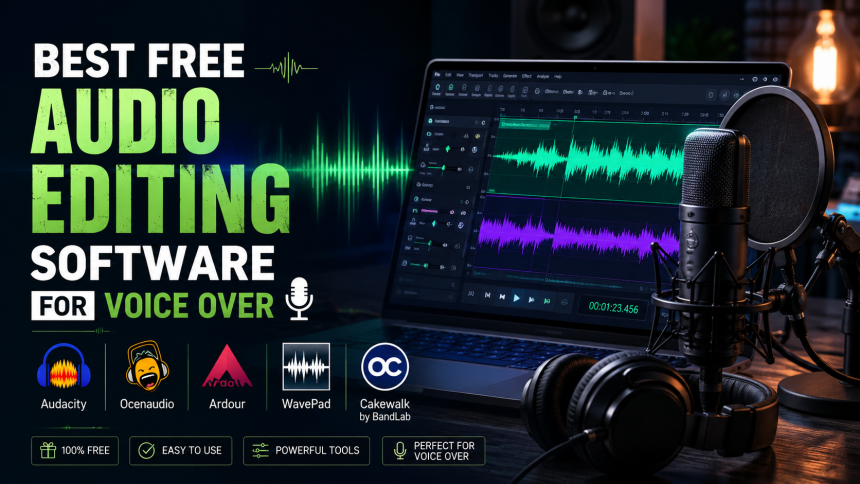
You do not need to spend a rupee on software to record and edit professional-sounding voice-over. Several free programs are powerful enough for real work. Here are the best free audio editors and what each is good for.
- What to Look For in Audio Software
- Audacity
- Built-in and Lightweight Editors
- Free Versions of Pro Software
- Essential Editing Steps for Voice
- Which Should You Choose?
- Frequently Asked Questions
- What is the best free audio editing software for voice over?
- Can I make professional audio with free software?
- What editing steps does voice-over need?
- Related Reading
What to Look For in Audio Software
For voice work you mainly need clean recording, easy trimming, noise reduction, and basic effects like EQ and compression. Free tools cover all of this.
Audacity
The most popular free editor, available on all major systems. It handles recording, editing, noise reduction, and export with ease — ideal for beginners and many professionals. It is the safest first choice.
Built-in and Lightweight Editors
Some operating systems include simple recorders, and several free, lightweight editors offer clean interfaces for quick edits. These are great when you just need to trim and export fast.
Free Versions of Pro Software
A few professional digital audio workstations offer free or trial tiers with generous features. These give you room to grow into multi-track projects and advanced effects.
Essential Editing Steps for Voice
- Trim silences and mistakes.
- Apply gentle noise reduction.
- Use EQ to add clarity and reduce muddiness.
- Add light compression for even volume.
- Normalize to a consistent loudness, then export.
Which Should You Choose?
Start with Audacity — it is free, well-documented, and does everything a beginner needs. Move to a fuller workstation only when your projects demand it.
Frequently Asked Questions
What is the best free audio editing software for voice over?
Audacity is the most recommended free option: it records, edits, reduces noise, and exports across all major systems.
Can I make professional audio with free software?
Yes. With good recording technique and basic editing, free tools produce professional-quality voice-over.
What editing steps does voice-over need?
Trim mistakes, reduce noise, apply EQ and light compression, then normalize loudness and export.
Related Reading
- Audacity Setup Guide for Urdu Voice Over
- Best Microphones for Voice-Over Beginners (2026)
- How to Build a Voice-Over Demo Reel
- Best USB Mics for a Home Dubbing Studio
Written by the UrduDub editorial team. We cover dubbing, voice-over, and where to watch localized content through official, legal sources. Spotted an error? Contact us — see our Editorial Policy.