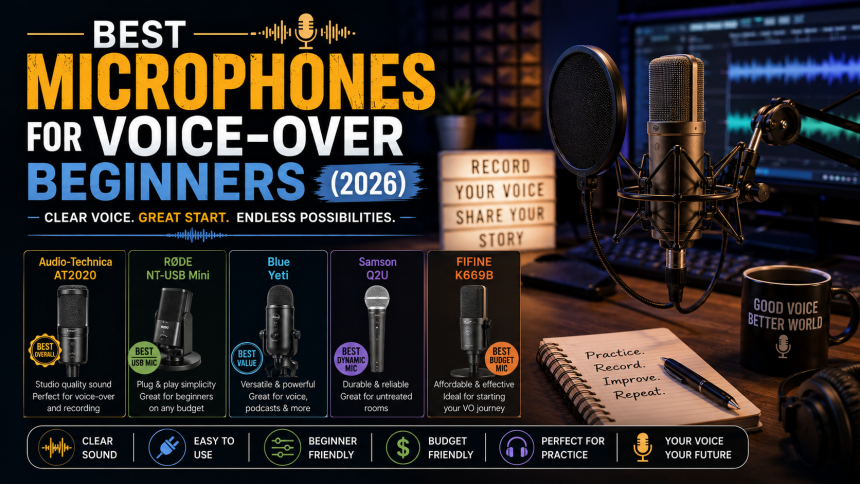
Your microphone is the single most important tool in voice-over — but the most expensive option is rarely the right first choice. This guide breaks down what actually matters and which types of mic suit beginners on a budget.
- USB vs XLR: Which Should You Buy?
- What Actually Matters for Voice-Over
- What to Look For by Budget
- Accessories You Will Also Need
- Common Beginner Mistakes
- Frequently Asked Questions
- Is a USB or XLR mic better for voice over?
- Do I need an expensive mic to start dubbing?
- What accessories do I need with my microphone?
- Related Reading
USB vs XLR: Which Should You Buy?
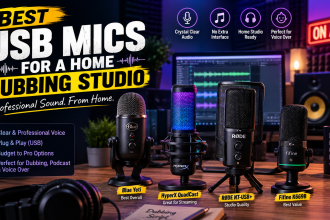
USB microphones plug straight into your computer — simple, affordable, and perfect for starting out. XLR microphones need an audio interface but offer room to grow and higher ceiling quality. For your first mic, a good USB model is usually the smart choice.
What Actually Matters for Voice-Over
Polar pattern
Choose a microphone with a cardioid pattern. It picks up sound from the front and rejects noise from the sides and back — ideal for a home room that is not perfectly treated.
Your room matters more than your mic
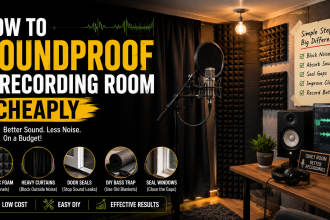
Even a great microphone sounds bad in an echoey room. Soft furnishings and basic treatment often improve your audio more than upgrading the mic.
What to Look For by Budget
- Entry budget: a reliable cardioid USB mic with a clear, warm tone.
- Mid-range: a USB or XLR mic with better build quality and lower self-noise.
- Growing in: an affordable XLR mic plus a small interface, so you can upgrade later.
Accessories You Will Also Need
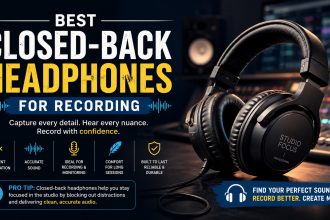
Budget for a pop filter (reduces harsh ‘p’ and ‘b’ sounds), a boom arm or stand, and closed-back headphones for monitoring. These small additions noticeably raise quality.
Common Beginner Mistakes
Buying the most expensive mic first, recording too close or too far, ignoring room echo, and skipping a pop filter are the usual pitfalls. Get the basics right and an affordable mic will sound excellent.
Frequently Asked Questions
Is a USB or XLR mic better for voice over?
For beginners, USB is easier and cheaper and sounds great. XLR offers more room to upgrade but needs an audio interface. Start with USB unless you already own an interface.
Do I need an expensive mic to start dubbing?
No. A good budget cardioid USB mic in a quiet, treated room produces professional-sounding results.
What accessories do I need with my microphone?
At minimum, a pop filter, a stand or boom arm, and closed-back headphones for monitoring.
Related Reading
- Best USB Mics for a Home Dubbing Studio
- Best Audio Interfaces for Voice Over
- How to Soundproof a Recording Room Cheaply
- How to Become an Urdu Voice-Over Artist: A Roadmap
Written by the UrduDub editorial team. We cover dubbing, voice-over, and where to watch localized content through official, legal sources. Spotted an error? Contact us — see our Editorial Policy.